Capability
What this does. What it does not do. And where the edges are.
A capability page is only useful if it is honest about the second part. Below is the full list — what we run today, what is scoped per engagement, and what we do not offer at all.
No roadmap promises. If it says scoped, it means we discuss it; if it says not offered, we do not do it.
The four pillars
Everything in the capability list grows out of these four.
Multilingual by your book, not by a list
We do not publish a fixed language list, because a fixed list only means we stop where the list stops. Tell us the markets you serve and we configure the language pairs for them. Run a sample through us before you commit.
- Language coverage is scoped per engagement, not sold off a menu.
- Right-to-left scripts are handled at the layout stage, not bolted on.
- Multi-target delivery: one submission can be produced into several target languages in the same run.
The layout comes back unchanged
Most tools translate a .docx and hand you text with the formatting flattened. We write the translated text back into the original file: chart positions, headers and footers, styles, numbering and tables stay where they were. This part is ours — it is not a call to somebody else's document-translation endpoint.
- In-place write-back for docx, pptx, xlsx and pdf.
- Mixed PDFs — digital pages and scanned pages inside one file — are classified as their own case, because that is what real files look like.
- Page-level region rework: circle one table, choose restore, retranslate or keep. No full re-run for one bad block.
Each document gets its own processing plan
A single fixed pipeline treats page 1 and page 40 the same way. Ours does not. Every page is inspected and routed on its own: a scanned page goes down the OCR path, a chart-heavy page goes down the reflow path, a page that fails the quality check is sent back for repair before delivery.
- Page-level routing, not file-level. One document can use several paths.
- Quality checking is part of the pipeline, not an add-on.
- The visual check runs on a different model than the one that produced the translation — a translator does not grade its own paper.
- Batches resume from the last completed page after an interruption.
Five source classes, five different paths
Images, digital PDFs, scanned PDFs, mixed PDFs and text documents are not the same problem, so they do not share a pipeline. Scanned pages go through optical recognition with layout and table regions recovered; image quality is improved before recognition when needed.
- Optical recognition returns text blocks with coordinates and confidence, plus layout, table and formula regions.
- Image processing runs on GPU with a CPU fallback, so a busy queue does not stall a batch.
- A vision pass inspects the finished pages for problems that a text-only check cannot see.
The full list
Three states, no ambiguity. Read the legend before the table.
| Capability | What it means in practice | Availability |
|---|---|---|
| Document translation, end to end | Upload, process, download — running in production today. | supported |
| Format-preserving write-back | docx, pptx, xlsx and pdf come back with the layout intact. | supported |
| Five source classes | Image, digital PDF, scanned PDF, mixed PDF, text document — routed separately. | supported |
| Optical recognition with layout | Text blocks with coordinates and confidence; tables, formulas and layout regions recovered. | supported |
| Image enhancement | Pages are cleaned up before recognition when the scan quality needs it. | supported |
| Independent visual QA | A second, different model inspects the finished pages. | supported |
| Page-level region rework | Circle a region and choose restore, retranslate or keep. | supported |
| Batch processing | Up to 50 files per batch, up to 1000 pages per file, resumable. | supported |
| Glossary enforcement | Upload a term list (txt, csv or xlsx) and it is applied during translation. | supported |
| Per-agency ledgers | Your own pool and quota, with sub-allocation across your team. | supported |
| Tenant data isolation | Your documents and your clients' documents are isolated from other tenants. | supported |
| Programmatic access (API) | Scoped to the engagement. Tell us the interface you need. | scoped |
| Agent access (MCP) | Scoped to the engagement. Tell us what your agent needs to reach. | scoped |
| Integration into your CAT / TMS / CMS | Scoped to the engagement. We map it against your stack. | scoped |
| Private deployment | Assessed per project — the platform is containerised, but a delivery is a project, not a download. | scoped |
| Self-service signup | Not offered. Every engagement starts with a sample evaluation. | not offered |
What we deliberately do not offer
The list above says it, but it is worth pulling out. These are not gaps we are working on — they are choices.
No self-service signup. Every engagement starts with a sample evaluation and a scoping conversation. A trial account would let you click around a product without ever seeing whether your documents come back correctly.
No published prices. What a document costs to process depends on what is in it. Quoting before looking at your files would be guessing, and a guess is not a price.
No accuracy percentages or speed claims. We have not measured them under conditions that would make a published number honest, so we do not publish one.
No published client list. Agencies work under confidentiality with their own customers and we extend the same courtesy.
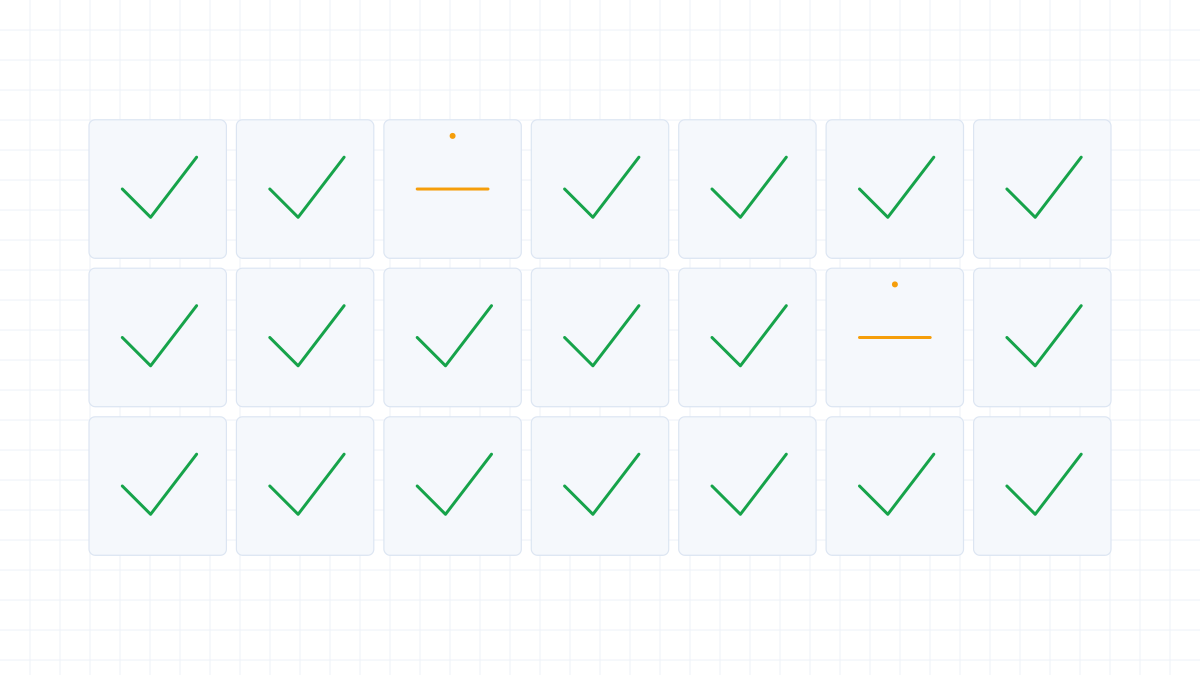
How the pipeline is put together
Seven steps, in the order they run. Each one exists because of a failure mode it prevents.
Inspect: every page is looked at before anything is translated. Route: each page is sent down the path that suits it — digital, scanned, image-heavy. Recognise: pages without a text layer go through optical recognition. Translate: the content is translated with your terminology applied.
Then the part most pipelines skip. Check: the output is reviewed by a separate model from the one that produced it. Inspect visually: the rendered result is compared against the source so layout failures are caught before delivery. Deliver: you get the finished document.
A document can use several paths. That is the design, not an edge case.
Capability questions
What is the actual difference from a cloud MT service?
Three things: the layout comes back intact, each page is routed individually instead of the whole file getting one treatment, and the output is checked by a separate model before delivery.
Do you offer a free tier or a trial?
Neither. There is no self-service access at all. What we offer instead is a sample evaluation: you send a real document and we return the finished file.
What are your limits?
500 MB per file, 50 files per submission, 1000 pages per PDF and 2000 terms per glossary. These are the limits our production system enforces today.
Why is there no pricing on this site?
Because what a document costs to process depends on what is in it. We do not publish our prices or anyone else's — commercial terms are part of the scoping conversation.
Do you support every language?
Coverage is configured to the markets you serve rather than published as a fixed list. Tell us the pairs you need and we will run a sample through them.
What happens when the pipeline gets something wrong?
The independent check catches most of it before delivery. What gets through, you can point at: mark the region and choose restore, retranslate or keep. Only that region is reprocessed.
Judge it on your own document.
Capability lists are easy to write and hard to verify. A sample evaluation is the version you can check.
- Send a real file
- We return it finished
- You decide based on the output