Agent access
When an AI agent needs to translate a document, it needs a tool — not a text API.
Ask an agent to translate a .docx through a text API and it will make an attempt, then hand you back something that no longer opens correctly. Agent access gives the agent a proper tool: it submits the document, the pipeline does the work, and a finished file comes back.
Agent access is authorised per engagement, not issued as an open key.
What MCP is, in one paragraph
If you already know, skip this.
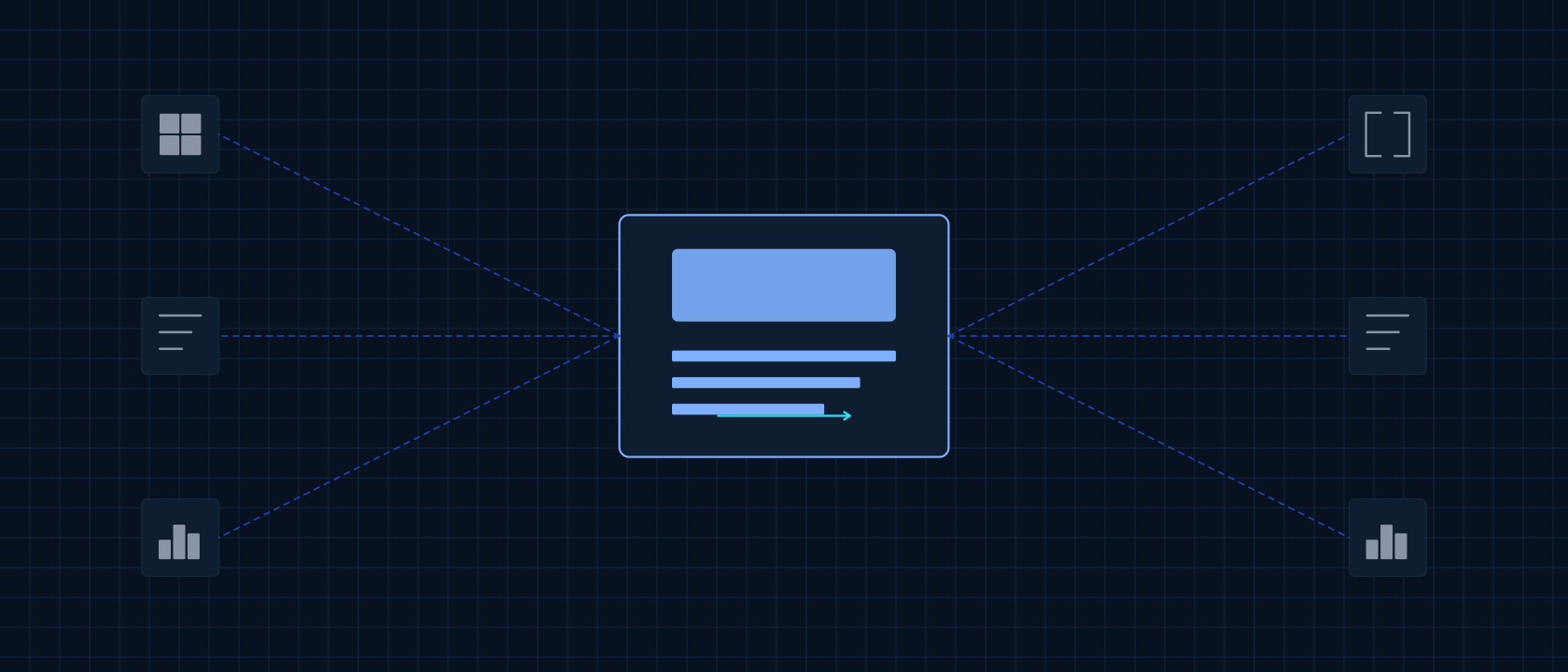
MCP — the Model Context Protocol — is a common way for AI applications to be given tools. Instead of every AI product inventing its own integration for every service, the service describes what it can do in a standard form and the AI application can use it.
For us that means an agent does not have to be taught how our pipeline works. It is handed a tool that says, in effect: give me a document and a term list and I will give you the translated document back.
What an agent can do through it
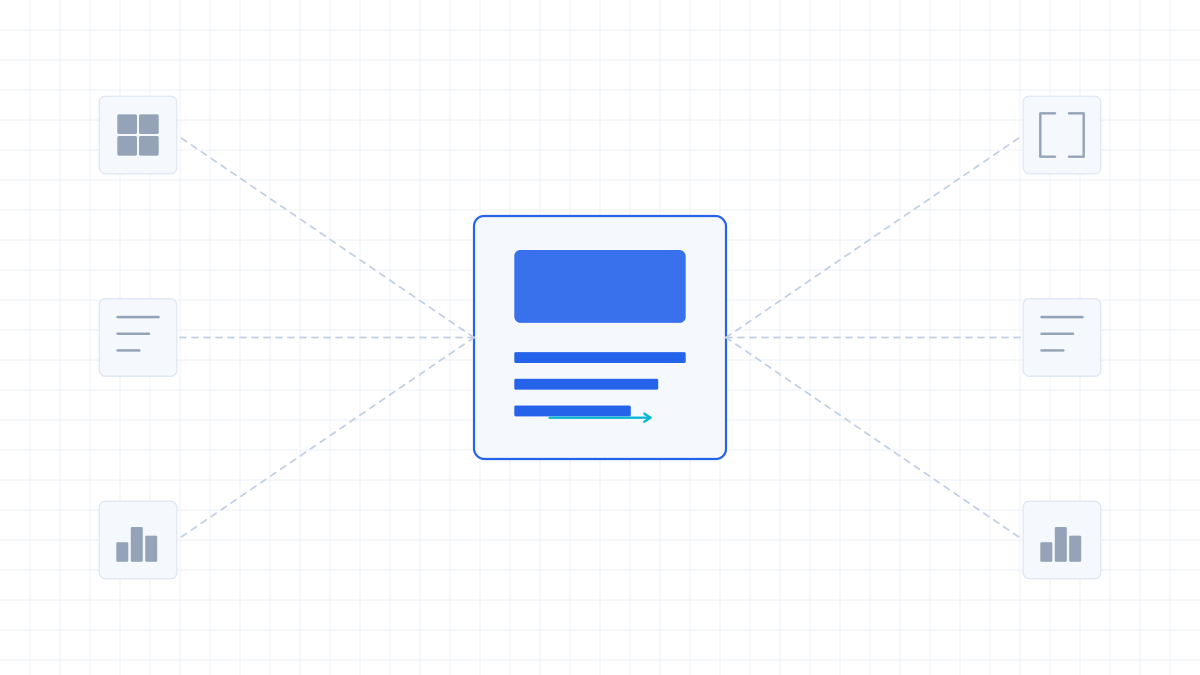
Scoped per engagement. The tool set is agreed with you rather than published as a fixed list.
Translate a document
Submit a file, receive the finished document with the layout preserved.
Apply a glossary
Attach a term list — up to 2000 terms — so the agent's output respects your terminology.
Check job status
Follow a submission through inspection, translation and quality check.
Repair a region
Mark an area and request restore, retranslate or keep, so an agent can act on feedback without rerunning the document.
Inspect before committing
Let the agent see what kind of document it is holding — page classes, whether it is scanned — before deciding how to proceed.
Authorisation, deliberately narrow
An agent with a translation tool is a system that can send your documents somewhere. That deserves more thought than a key in a config file.
Agent access is authorised per engagement: you decide which agent, against which documents, for how long. It is not an open key that any agent can pick up.
This is also why we do not publish a public MCP endpoint address. An open endpoint would let anyone's agent submit documents to us, which is not a service we want to run.
If your agent runs inside your own infrastructure and cannot send documents out, that is the private deployment conversation.
Agent access questions
Can I add this to my agent today?
No. Access is authorised per engagement and there is no public endpoint to point an agent at. Talk to us about what your agent needs to do and we will scope it.
Where is the endpoint or configuration?
Not published. An open endpoint would let any agent submit documents to us, so access is set up with you individually.
Is this a hosted MCP server we can subscribe to?
No subscription and no self-service. It is an access mode we scope with the people who need it.
Which agent frameworks does it work with?
Any application that can be given tools in the standard form. If your stack does something else, tell us and we will say whether it is workable.
What stops an agent from sending documents we did not intend?
The authorisation is narrow by design — which agent, which documents, how long. That is exactly why it is not an open key.
Can an agent review the translation quality too?
The pipeline's own visual check runs regardless. What the agent can do with the result afterwards depends on the tool set we agree.
Tell us what your agent needs to do with documents.
Agent access is scoped around the workflow, not sold as a key. Describe the job and we will tell you what it takes.
- You describe the agent workflow
- We map the tool set
- Access is authorised per engagement