Solutions
Course material is laid out, not just written.
Training content is built to a visual structure: slides with a fixed layout, workbooks with exercises and answer keys, handouts with tables. The layout is part of how the material teaches.
What makes these documents hard
Four document-level problems specific to learning material.
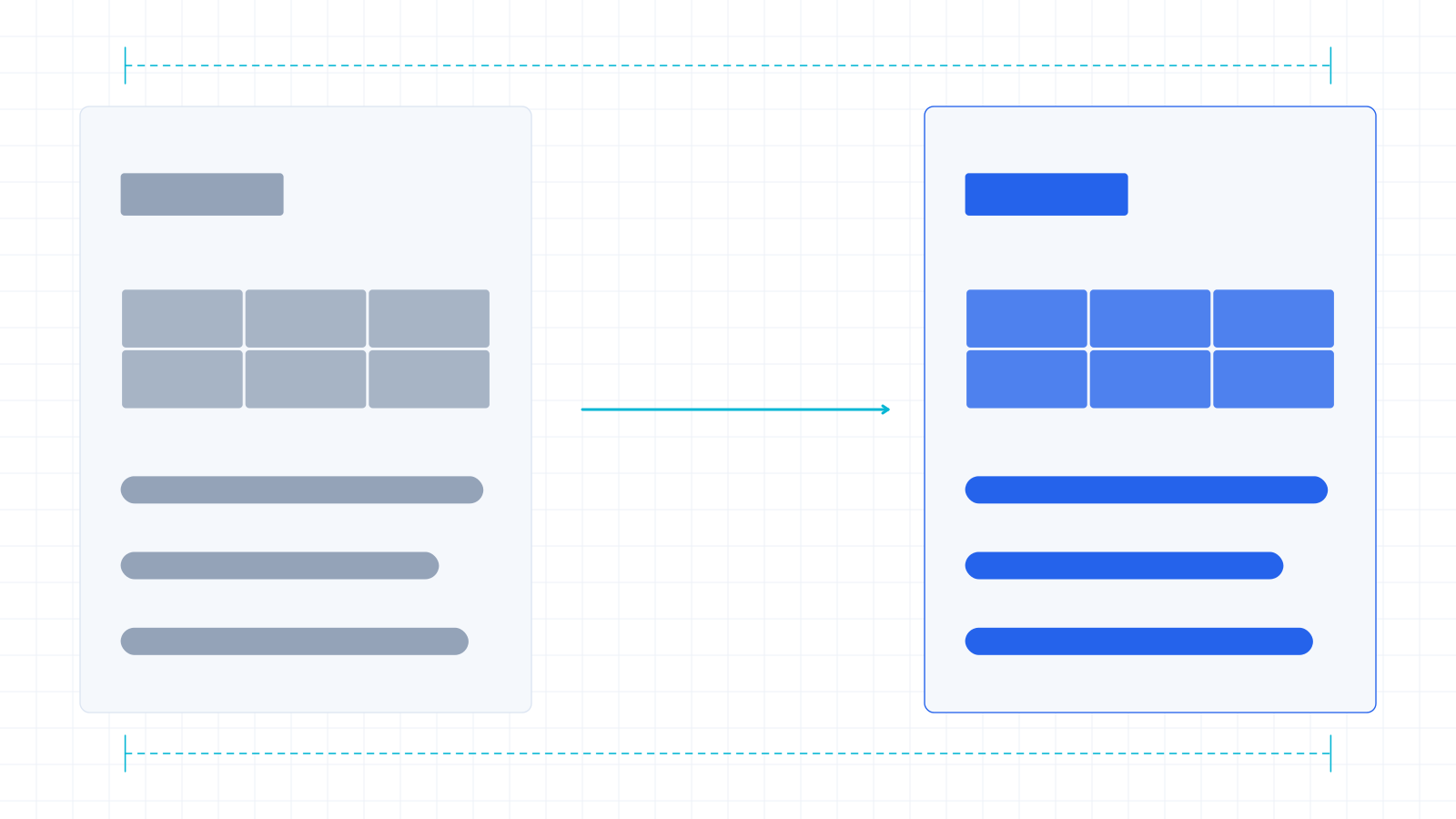
Slides with no room to grow
Translated text is often longer than the source. A slide built to the edge of its frame has nowhere to put it, and the failure is visible the moment it renders.
Exercises and answer keys
Question numbering and answer correspondence have to stay matched. A key that no longer lines up with its questions is worse than no key.
Repeated instructional phrasing
The same instruction appears across dozens of slides. Consistency is what makes it read as a course rather than as a collection of pages.
Workbooks with tables and forms
Exercise tables and fill-in forms break in the same way financial tables do — structure is the content.
The documents we get
The document types that come up most in this category.
Course slide decks
PowerPoint, laid out to a template, frequently with speaker notes.
Learner workbooks
Word documents with exercises, tables and forms.
Assessment and answer material
Numbered questions with corresponding keys — the correspondence is the requirement.
Handouts and reference sheets
Dense, table-heavy, often exported to PDF for distribution.
Terminology and consistency
Instructional phrasing is the consistency problem here.
Course material repeats itself deliberately — the same instruction, the same prompt, the same term for a concept. Translating those consistently is what makes the material feel like one course.
Your term list drives that: TXT, CSV or XLSX, up to 2000 terms, applied during translation. If your course has an established glossary from a previous translation, that is exactly what we want.
We do not build courses, record voice-over or produce subtitles. What we handle is the written course material in PDF, Office formats and images.
How the work runs
Four steps, same pipeline for every industry.
- 01
You send one real document
The awkward one if you have it. It is evaluated on the same path your production work would take.
- 02
We run it end to end
Inspection, per-page routing, translation with your terminology applied, independent review, visual verification.
- 03
You judge the returned file
Layout, terminology, the pages that normally break. That is the evaluation.
- 04
Scope is agreed separately
Volume, language pairs, turnaround and integration. The sample tells you whether to have that conversation at all.
Questions
Do you handle subtitles or voice-over?
No. Subtitle formats (SRT, VTT) and audio are not supported. What we take is the written material — slides, workbooks, handouts, PDFs and images.
Will translated slides still fit their layout?
Slide geometry is preserved and text reflows inside its container rather than escaping it. The rendered result is checked against the source before delivery, because overflow is a rendering failure a text review cannot see.
Can you keep our course terminology consistent?
Yes — that is what glossary enforcement is for. Your term list, up to 2000 terms, applied during translation.
Do you handle SCORM packages or authoring-tool files?
No. Those are not formats our pipeline processes. If your material is exported to PowerPoint, Word, PDF or images, that we can take.
What about exercises and answer keys?
Numbering and structure are preserved because the translated content is written back into the original document rather than into a rebuilt one.
Send us a slide deck that is full to the edges.
That is the case where layout preservation is most visible, and the one worth testing on your own material.
- No signup, no self-service portal — you send a file, we run it.
- You get the finished document back, not a screenshot of one.
- If it is not good enough, you have lost nothing.