Format preservation
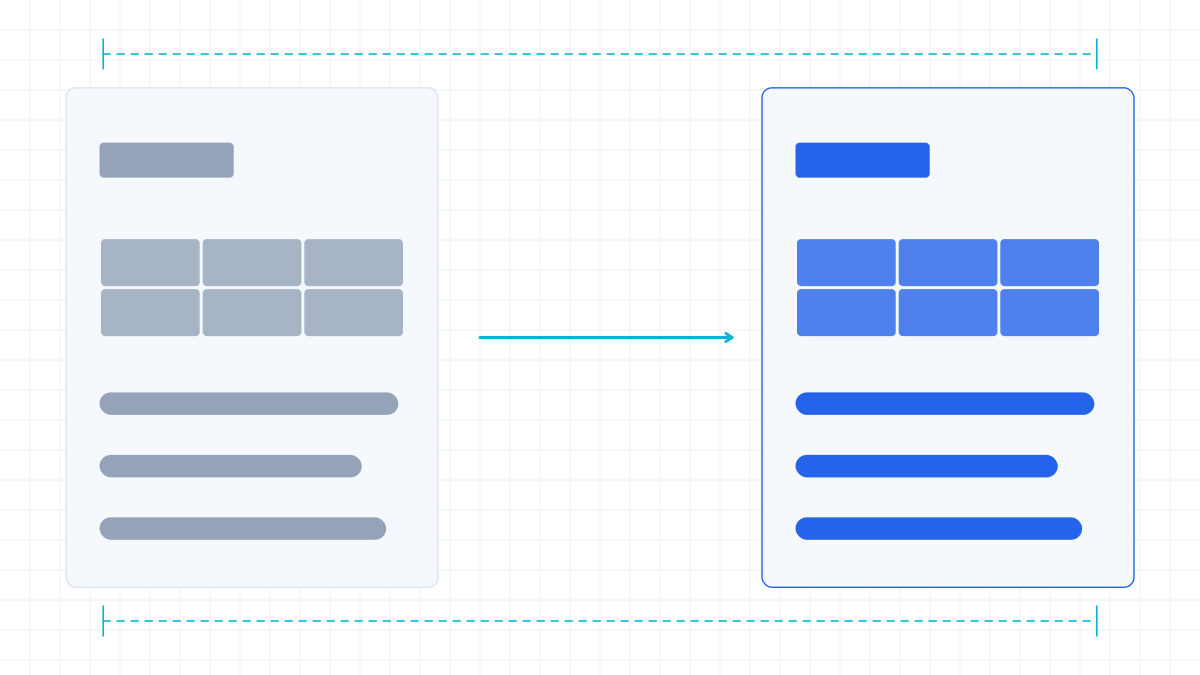
The layout you send is the layout you get back.
This is the difference between a translation and a deliverable. A text API gives you words; the work of putting them back into the document is left with you. We write the translated text into the original file and return it finished.
PDF, Office documents and images all run on the same pipeline — inspect, route, translate, check, verify visually.
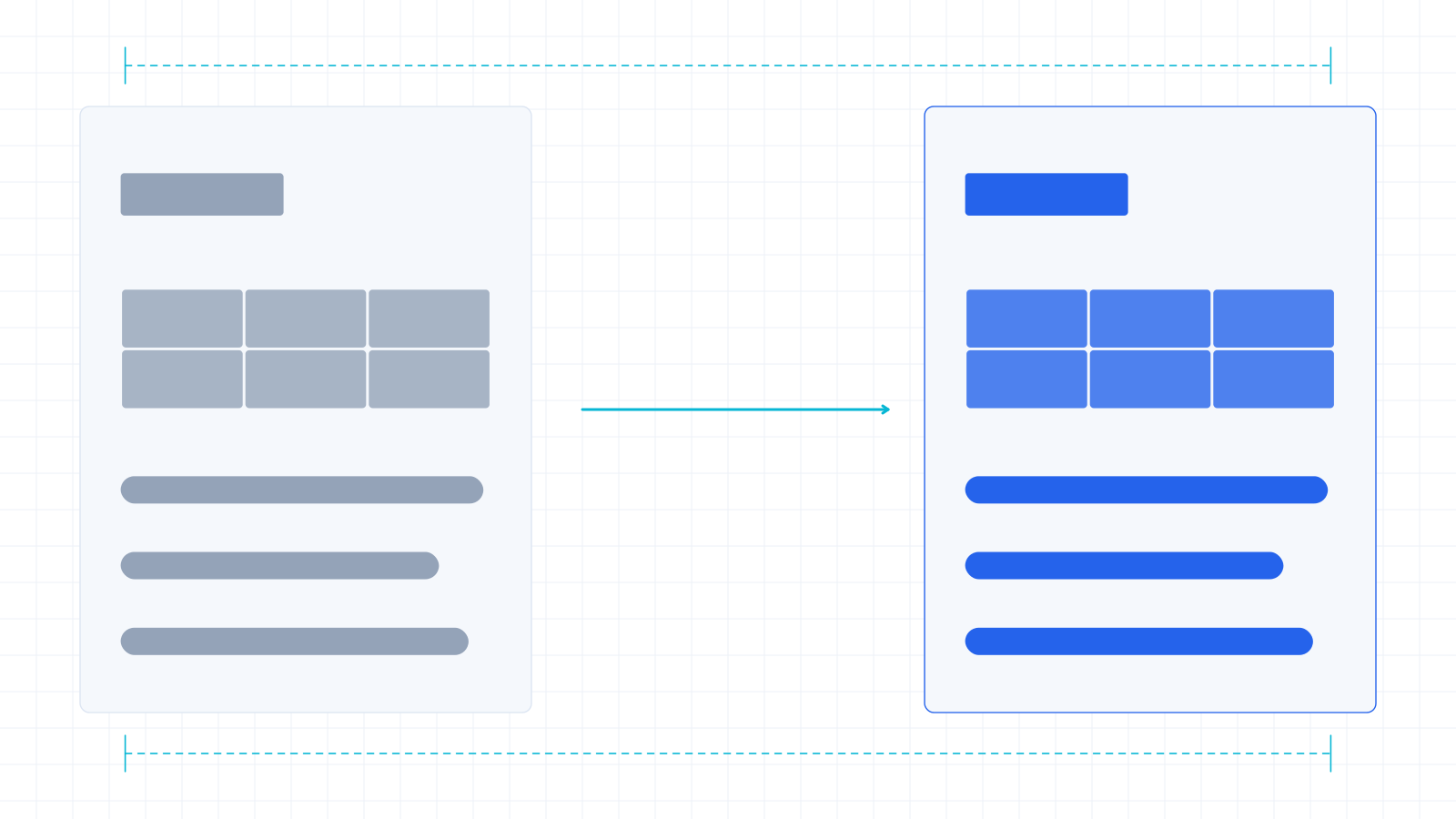
Why this is the hard part
Translation is a solved problem in the sense that a model can do it. Putting the result back is not.
A document carries more than its words. It carries where those words sit, how they relate to a chart, how a table flows across a page break, how a heading is sized to fit its box. Translating the text and losing that information produces something that is technically translated and practically unusable.
Rebuilding it after the fact is format-specific work: a different engineering problem for a spreadsheet than for a slide deck, and a different one again for a scanned page that has no underlying structure to rebuild from.
We handle it as a write-back problem rather than a reassembly problem. The translated content goes into the original document, and the layout comes along with it.
What we take
Three families, all running on the same pipeline. The list is short because it is the list of formats our production system actually accepts.
Office documents
Word, Excel and PowerPoint, plus the older DOC, XLS and PPT formats. Tables, styles, formulas and slide layouts kept in place.
Office formatsPDF, digital or scanned
Digital PDFs keep their layout. Scanned PDFs go down the optical recognition path. A PDF that is both is handled page by page.
PDF handlingImages
JPG and PNG. Useful for content that only exists as a picture — a scanned form, a photographed page, an exported page image.
Image handling
What 'preserved' actually means
A word that gets used loosely. Here is what we mean by it.
The translated text occupies the place the source text occupied. Tables keep their structure and their formulas. Headers, footers, page numbers and section breaks stay where they were. Slide layouts keep their geometry.
It does not mean the output is pixel-identical. Different languages need different amounts of space, and a headline that fit in one language may need to reflow in another. Text that grows has to go somewhere.
What it does mean is that no human has to rebuild the document. Reflow is a typographic outcome; a broken table is a rebuild.
PDF: three different problems in one format
A PDF is not one thing. What is inside it decides how it is processed.
A digital PDF has a text layer, so the content can be read directly and the layout written back. A scanned PDF has no text layer at all — every page has to go through optical recognition before there is anything to translate.
The third case is the one that causes trouble: a PDF where some pages are digital and others are scans. Most pipelines pick one treatment for the whole file and produce a document that is half right.
We classify each page on its own, so the two kinds of page take different paths inside the same file. This is the case worth sending us as a sample, because it is where the difference shows.
Images: when the content is only a picture
JPG and PNG. Sometimes there is no underlying document to write back into.
A photographed page, a scanned form, a screenshot of a table — content that exists only as pixels. There is no text layer to preserve and no structure to write back into, so the pipeline recognises the content, translates it, and composes the result back into the image.
This is also the path a scanned page takes inside a PDF. The difference is that a standalone image has no surrounding document to be consistent with.
If your source material is a design file that has been exported to an image, this path works — the exported image is what we process.
Format questions
Will the translated file look exactly like the original?
The layout is preserved and no rebuilding is needed. It will not be pixel-identical, because different languages take different amounts of space and text that grows has to reflow.
What file types do you accept?
PDF, DOCX, PPTX, XLSX, DOC, PPT, XLS, JPG and PNG, up to 500 MB per file. Scanned pages and image-only files go down the optical recognition path.
What happens to a PDF that is half scanned?
Each page is classified on its own, so the digital pages and the scanned pages take different paths inside the same file. That is a normal case for us.
Do you handle design files like InDesign?
Not the native file. InDesign, IDML, Quark, Illustrator and FrameMaker are not formats our pipeline processes. If the design has been exported to PDF or supplied as images, that we can take.
Do you handle subtitles or HTML files?
No. Subtitle formats (SRT, VTT) and markup formats (HTML, XML, JSON) are not supported. We would rather say that plainly than let you find out during an evaluation.
Are formulas and tables kept?
Spreadsheet structure and formulas stay in place. Tables keep their structure rather than being flattened into text.
Can we see it on our own file?
That is exactly what the sample evaluation is for. Send the document that normally causes trouble and judge the returned file.
Send the file that normally breaks.
Format preservation is visible in the output, not in a feature list. One real document will tell you more than any comparison table.
- You send a real document
- We return it finished
- You check the layout yourself